


01.
Design workflow audit
We map your current process, identify repetitive tasks and assess where AI can help. You receive a prioritised plan for one useful pilot, including the inputs, responsibilities and review points.
Zensite helps design and product teams put AI to work in their existing workflow. We audit your process, configure Figma and MCP connections, build a prototype around a real task, and hand over a workflow your team can use and review. Based in Singapore and Malaysia.

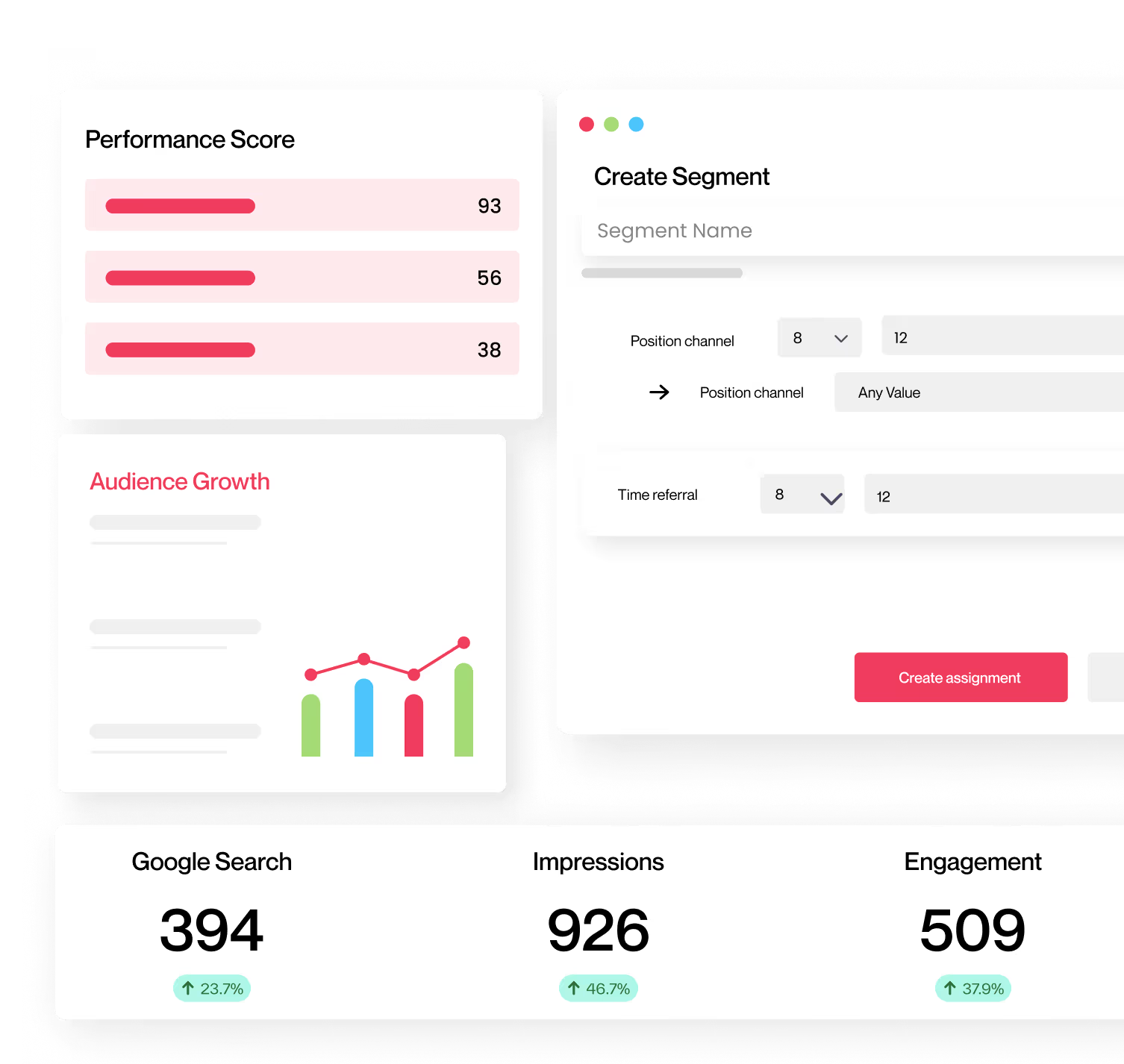


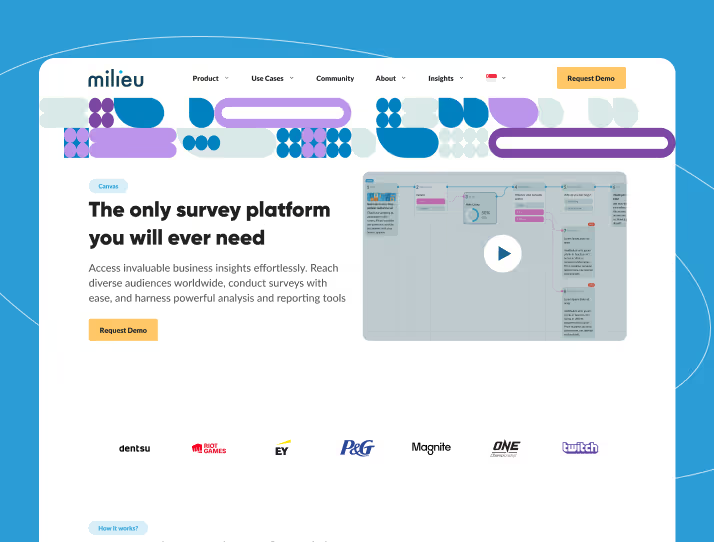
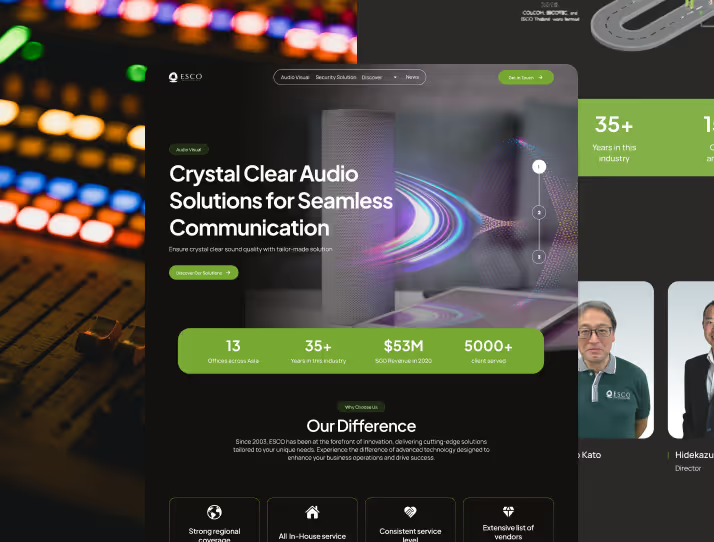
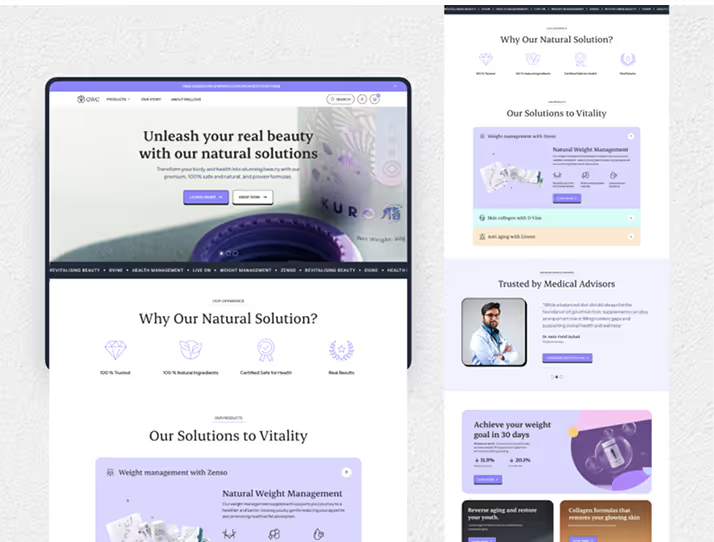


Start with one useful workflow. We review how your team works, agree the pilot and success criteria, configure the tools, and test the result before handover. The scope includes a design workflow audit, Figma/MCP setup, a working prototype and practical guidance for your team.
We map your current process, identify repetitive tasks and assess where AI can help. You receive a prioritised plan for one useful pilot, including the inputs, responsibilities and review points.


We connect the agreed tools and prepare the design context they need, including components, variables and usage guidance. You receive a configured Figma/MCP workflow and documentation of the setup and access needed for the pilot.

We test the workflow on an agreed task using your design context. You receive a working prototype, a review of design consistency and usability, and a record of the corrections needed. Production development is scoped separately when required.

We walk your team through the configured workflow and prototype. You receive practical instructions, reusable examples and guidance on reviewing AI output, maintaining the setup and deciding what to improve next.


AI-assisted design combines a designer's judgment with tools that support research, exploration and production. We can lead design delivery for your project or help your team adopt a focused AI workflow. In both cases, people review the output and make the design decisions.

%20Review/ASB%20Testimonial.webp)

“Working with the team at Zensite user experience agency was an absolute delight! From start to finish, they made the website design journey so easy and enjoyable. Their attention to detail and passion for creating the perfect user interface & experience were evident in every interaction.” - Google Review
%20Review/ASB%20Vivien.webp)

%20Review/Property%20Guru%20Testimonial.webp)
“Zensite helped us to build a website in the past, and I'm incredibly impressed with the level of service and quality of work they provided. The team was responsive, professional, and accommodating from briefing stage to post site live stage.” - Google Review
%20Review/Joan%20Property%20Guru.webp)
%20Review/Kesh%20Testimonial.webp)
“Zensite team are very professional about drawing the boundaries on the scope of the project. Their dedication to the craft was scene via the quality of the research they presented. From analysing the competitive landscape to speaking with customers. One of their team's background as a doctor helped with thinking through some of the features of the final design” - Google Review
%20Review/Krish%20Kesh.webp)

“There were no measurable outcomes, but Zensite worked tirelessly to meet the client’s expectations on the quality. The team strictly adhered to the deadlines and communicated mainly on Slack. Overall, their agile mentality and innovative design solutions were the highlights of the partnership.” - Clutch Review


“David is truly a reliable partner. His user experience agency delivered high-quality work on time and communicated well throughout the engagement. His design thinking knowledge and expertise in the latest design trends, interaction design and tools made him stand out.”


No. Designers remain responsible for direction, usability and the final design decisions. Our AI workflow service helps your team adopt tools through an audit, Figma/MCP setup, a working prototype and handover. People review the output throughout.
We work with Figma and MCP-compatible AI tools such as Claude, Codex and Cursor, selecting the setup around your task and existing workflow. We review the relevant components, variables and documentation so the tools have useful design context. Tool access and subscriptions are agreed as part of the scope.
A connected AI workflow may send selected design context to the tools used in the pilot. We agree the tools, files and access with your team before setup. Tell us about confidentiality or data restrictions at the start so we can assess whether the proposed workflow is suitable.
Time savings depend on the task, your starting files and the review needed. We assess the pilot against an agreed baseline, including time spent correcting AI output and checking quality. We do not promise a fixed speed improvement.
Your team receives the workflow audit findings, configuration documentation, a working prototype and reusable instructions or examples. We walk through how to run the workflow, review AI output and maintain the setup. The agreed scope defines the exact files and handover format.
The pilot tests the agreed design workflow and demonstrates a working prototype. Production readiness depends on engineering, security, accessibility and integration requirements. We document the next steps and agree any additional implementation scope separately.


